1. Understanding TradingView: A Comprehensive Overview
In the ever-evolving landscape of trading, finding a reliable platform that combines vast functionalities with user-friendly features is vital for traders at all levels. TradingView stands out as a premier choice, offering tools and resources that simplify the complexities of financial markets. By integrating advanced charting capabilities, social networking, and trading tools, TradingView empowers users to make informed decisions in stocks, forex, cryptocurrencies, and more.
1.1 What is TradingView?
TradingView is a web-based financial platform that provides traders and investors with advanced charting tools and social networking features. Founded in 2011, it has rapidly become one of the most popular platforms for both beginners and seasoned traders. TradingView allows users to analyze financial markets using a multitude of indicators and tools, share insights through community discussions, and even execute trades through integrated brokerage services.
1.2 Key Features and Tools of TradingView
- Comprehensive Charting: TradingView boasts a wide array of chart types, including line, candlestick, and bar charts, which can be customized to reflect various time frames and indicators.
- Technical Analysis Tools: Users can apply an extensive range of technical indicators, such as moving averages, RSI, MACD, and custom Pine script indicators for personalized analysis.
- Social Networking: The platform offers a vibrant community where users can share trading ideas, strategies, and analyses, enhancing the collective learning experience.
- Market Coverage: TradingView covers a vast range of assets, including stocks, forex, cryptocurrencies, and commodities, allowing users to diversify their trading portfolio easily.
- Alerts and Notifications: Users can set custom alerts based on price movements, technical indicators, or specific events, which are sent via email or through the app.
1.3 User Interface and Customization Options
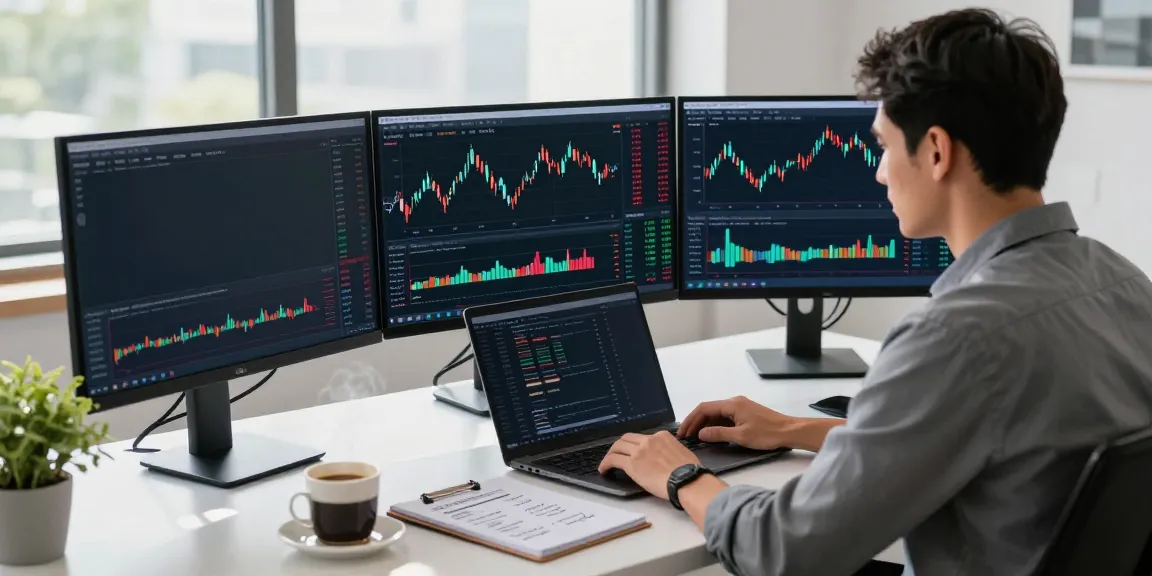
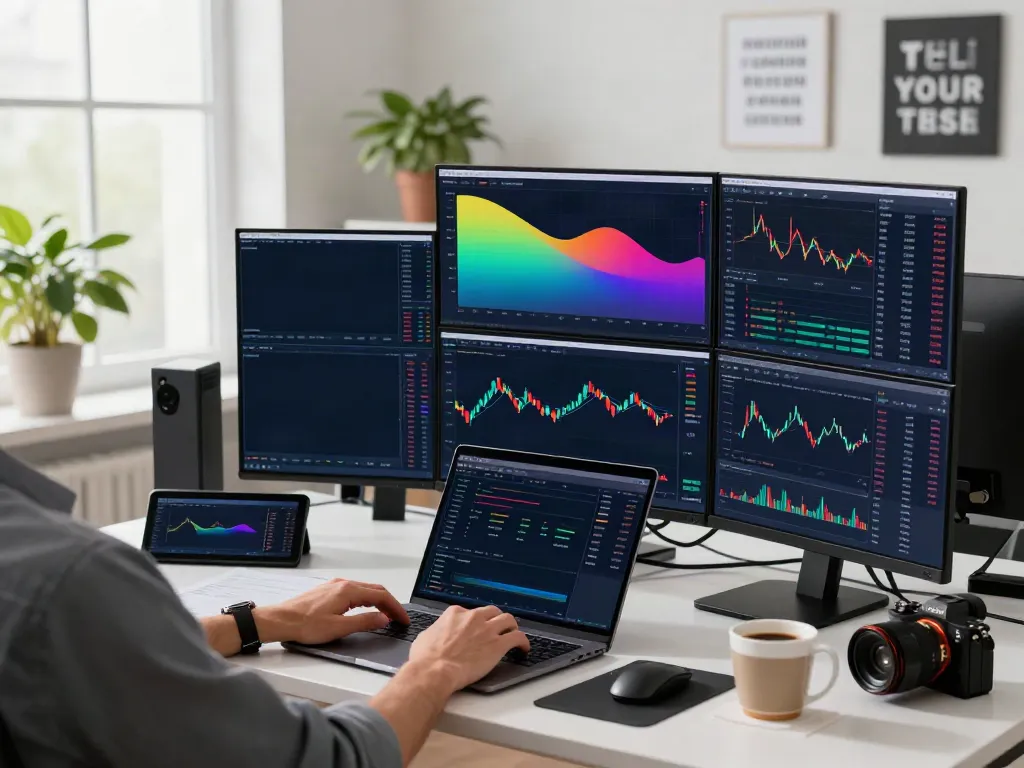
TradingView features a clean, intuitive interface that can be tailored to suit individual preferences. Users can choose from multiple layout options to view multiple charts simultaneously, making it easier to monitor different markets. The platform also supports keyboard shortcuts, custom templates, and layout saving, facilitating a personalized trading environment.
2. Setting Up Your Trading Environment with TradingView
2.1 Creating Your Trading Account
Setting up a TradingView account is straightforward and can be completed in just a few minutes. New users can choose between a free or paid subscription, with the latter providing additional features such as more indicators per chart and ad-free browsing. Once your account is created, you can begin exploring various markets and tools without delay.
2.2 Exploring Chart Settings and Layouts
After logging in, users can access the charting interface by selecting the asset they wish to analyze. TradingView allows users to customize their charts with different timeframes, indicators, and overlays. The ability to save multiple layouts helps traders quickly switch between different analysis setups, promoting efficiency in their research workflow.
2.3 Integrating Alerts and Notifications
Alerts are a crucial feature in TradingView, helping traders stay informed without needing to constantly monitor the market. Users can create alerts based on various conditions—such as price levels, technical indicators, or custom scripts—ensuring they never miss vital market movements. Notifications can be received via the TradingView app or email.
3. Developing Effective Trading Strategies on TradingView
3.1 Utilizing Technical Indicators and Chart Patterns
Successful trading often hinges on the effective use of technical indicators and understanding chart patterns. TradingView provides access to a vast library of indicators that can help traders identify trends, reversals, and entry or exit points. Many traders create strategies that combine several indicators for better accuracy and reliability.
3.2 Backtesting Strategies Using the Strategy Tester
TradingView features a built-in Strategy Tester that allows users to backtest their trading strategies using historical data. This tool is crucial for traders who want to evaluate the effectiveness of their strategies before applying them in real-time markets. Users can adjust parameters and analyze results to refine their approach continuously.
3.3 Building a Trading Plan with TradingView Tools
A well-defined trading plan is essential for success. Traders can utilize TradingView's features to develop personalized trading plans that incorporate risk management parameters, goals, and entry/exit strategies. This structured approach helps maintain discipline and focus while trading.
4. Enhancing Your Trading Skills through Community Engagement
4.1 Joining TradingView's Social Network
One of TradingView's standout features is its interactive social network. Traders can follow other users, share insights, and participate in discussions about market trends, strategies, and experiences. This collaborative environment fosters learning and allows traders to benefit from collective knowledge.
4.2 Sharing and Analyzing Community Insights
The platform encourages users to publish their trading ideas and analyses, which can be a great way to receive feedback and improve one's skills. Engaging with community posts can provide valuable perspectives and help traders spot potential opportunities or risks they may not have considered.
4.3 Learning from Experts and Peer Discussions
By following experienced traders, users can gain insights into different trading styles and strategies. Participating in community discussions encourages knowledge sharing, allowing traders to learn from both successes and failures, ultimately enhancing their skills.
5. Future Trends in Trading and Financial Analysis (2026 and Beyond)
5.1 Emerging Technologies and Their Impact on Trading
As trading platforms evolve, emerging technologies such as artificial intelligence and machine learning are increasingly shaping the future of trading. These advancements can help traders analyze vast data sets quickly, identify patterns, and automate trades, enhancing overall efficiency and effectiveness.
5.2 Innovations in Data Visualization and Analysis
Data visualization continues to play a critical role in trading decision-making. TradingView is at the forefront of this trend, constantly updating its charting interface with innovative displays and analytics. Enhanced visualization tools will allow traders to interpret data more effectively and make informed decisions faster.
5.3 Preparing for Changes in Market Dynamics
Markets are continuously changing, influenced by economic shifts, regulatory updates, and technological advancements. Traders must remain adaptable and ready to refine their strategies according to these dynamics. Platforms like TradingView will evolve to meet these demands, offering new tools and features to support traders in this ever-changing landscape.
FAQ: What are the costs associated with TradingView?
TradingView offers several pricing tiers, including a free version with limited features and multiple paid subscriptions that unlock advanced functionalities. Users can choose the plan that best suits their trading needs and budget.
FAQ: How reliable are TradingView's market predictions?
While TradingView provides a robust platform for analysis, it's important to remember that no prediction is foolproof. Market conditions can be unpredictable, and while the tools offered enhance decision-making, trading always involves risk.
FAQ: Can TradingView be used for cryptocurrency trading?
Yes, TradingView supports a wide range of cryptocurrencies and provides tools specifically designed for crypto traders. Users can analyze crypto markets with the same depth and detail as traditional assets.
FAQ: What makes TradingView different from other trading platforms?
TradingView distinguishes itself through its combination of advanced charting tools, social networking features, and a user-friendly interface. This integration allows traders to share insights and strategies while accessing comprehensive market data.
FAQ: How can I maximize my use of TradingView's features?
To get the most out of TradingView, traders should explore all available tools, engage with the community, and continually refine their strategies using the platform's backtesting features. Setting up personalized alerts and notifications can also enhance trading efficiency.